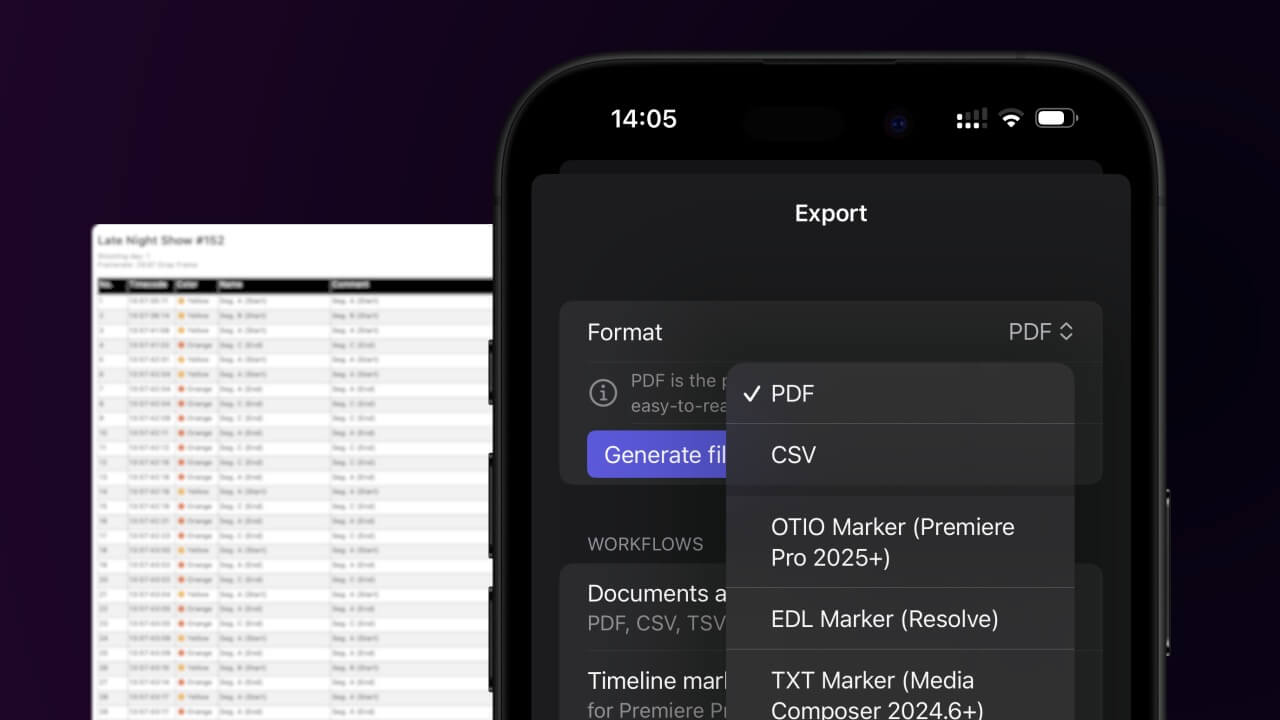
1. Export a CSV file from Live Timecode Notes app
Open the project in the app, then select "Export Notes" from the top menu. Select "CSV". Generate and save the file.
2. Use the "Генератор и инструменты для субтитров" to convert the CSV file into a DFXP subtitle file
Open the free Генератор и инструменты для субтитров, select "CSV" and set "convert" to "DFXP". Generate and download the file. Если возникли проблемы с конвертацией файла, обратись в бесплатную службу поддержки.
Make sure the CSV contains a column called "Timecode In", "Timecode Out" and "Subtitle". Otherwise it will not work.
🚀 Готово
На этом всё! Если туториал оказался полезным, поделись им, чтобы поддержать нас. Если у тебя есть предложения, как улучшить рабочий процесс, дай нам знать!