MediaDB

MediaDB

MediaDB — незаменимый инструмент для небольших постпродакшн-студий и фрилансеров, которые работают с большим количеством жёстких дисков и других носителей. Приложение помогает создать базу данных всех используемых жёстких дисков и файлов. Оно позволяет искать файлы и просматривать дерево каталогов, даже когда диски не подключены. MediaDB также можно использовать для создания RCP-файла для DaVinci Resolve из EDL в процессе конформинга фильма.

Характеристики

  • Manage hard drives and discs offline
  • Index files like source material, archive footage and more
  • Search for files without connecting a drive
  • Create RCP files with EDL for Resolve Collect

The perfect tool to manage a huge archive of drives in small post-production studios or for freelancers.

The demo version allows to scan the first 50 files on each drive.

Requires macOS 11.5 or later

Manage hard drives and disc archives easily.

Index Drives

Scans the hard drives and add them it to the database. Make sure every drive has a unique name. If you add or remove files from the drive you can scan it again and the database will be updated.


Search files without the drive

Use MediaDB to find a file when you need it without connecting any drives to your computer.

Group file sequences

When selected, each file sequence will be presented in the format filename[start-end].extension


Get Folder Size

Select a folder and press the “Get Folder Size” button to calculate the size of all folders and files recursively.

Conform

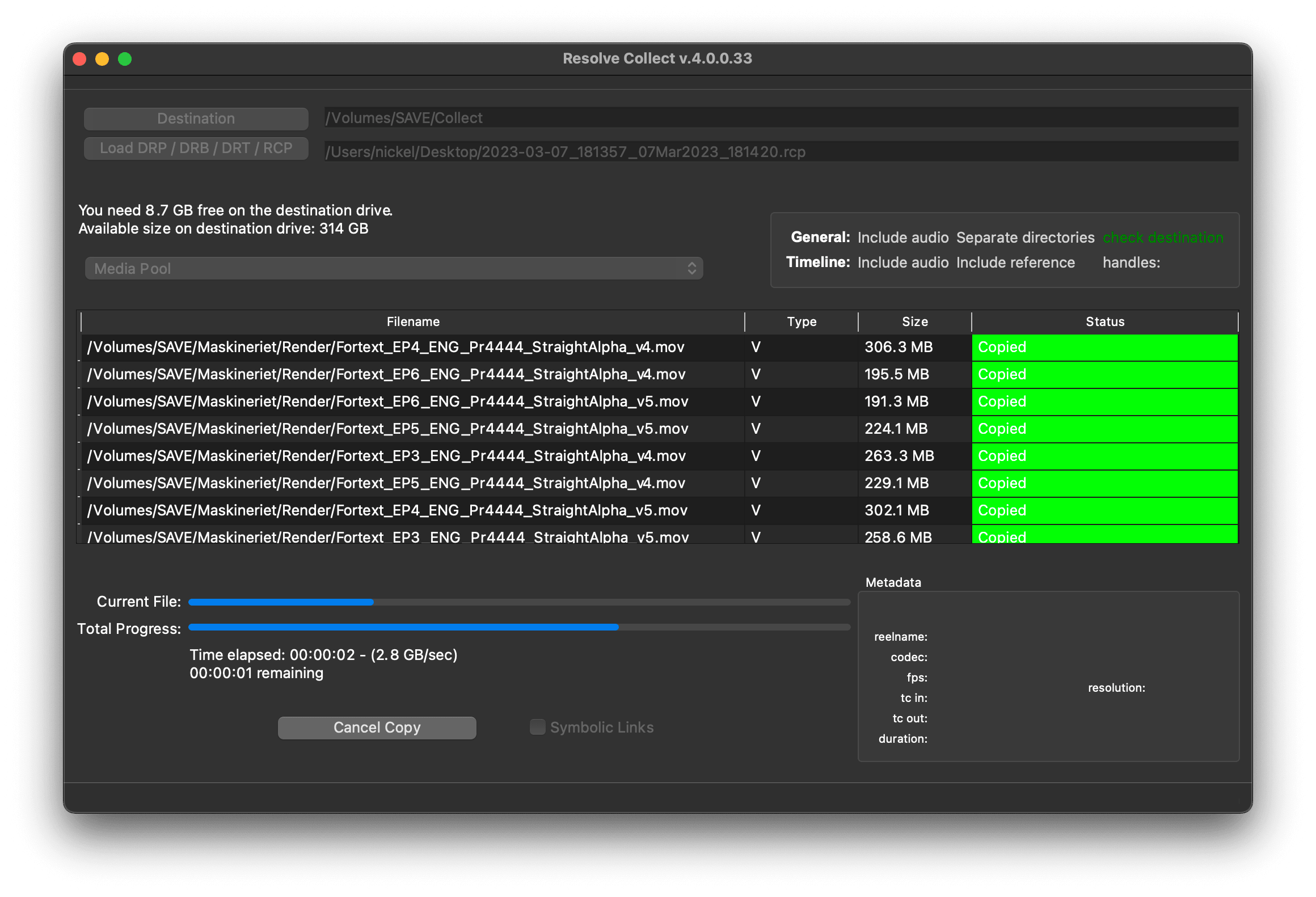
Import an EDL from any NLE with full reel names (e.g. File_129), and MediaDB will find the files and tell on which drives they are on. It will also create an RCP file, which you can then use with Resolve Collect to copy all the files.

Use cases of MediaDB

Film Editors working on multiple projects often need to use multiple discs to store source footage and other assets. Rather than connecting hard drives to the computer and trying to find the correct file, MediaDB can easily locate the file. A quick search in the app is enough to find the necessary file and locate the correct disc. This is especially useful if the archive includes SD cards, USB sticks, and other virtual drives.

Выбери свою лицензию

We offer three types of licenses. The single-user license is ideal for freelancers who want to use the software on one or two computers. This license is tied to a single account. For companies, we offer a team license, which is bound to the company. The number of licenses can be chosen upon purchase, with a minimum of three licenses. We also offer an enterprise option. Please contact our sales team for more information. All licenses are perpetual.

Мы рекомендуем войти в систему перед покупкой, чтобы обеспечить легкий доступ к будущим обновлениям плагина.
Лицензия на одного пользователя
loading...
Team License (3+ users)
loading...
Обратись в нашу службу продаж, чтобы получить корпоративную лицензию.

Обрати внимание: сам плагин в настоящее время доступен только на английском языке.

Ты будешь перенаправлен на защищённую страницу оплаты «Paddle». Paddle.com выступает как Merchant of Record.

Обратный заряд: Если ты покупаешь для компании и у тебя есть VAT ID, в некоторых странах можно воспользоваться механизмом reverse charge (обратного начисления НДС). На странице оформления заказа после выбора страны и почтового индекса нажми слева «Add VAT ID».

Bundle

Resolve Collect and MediaDB

25% off
Мы рекомендуем войти в систему перед покупкой, чтобы обеспечить легкий доступ к будущим обновлениям плагина.

Поддержка

Если у тебя есть вопросы или пожелания по функциям, обращайся в нашу службу поддержки. Мы будем рады помочь тебе!

ВОПРОСЫ И ОТВЕТЫ

После загрузки распакуй zip-файл и запусти .pkg-файл. Затем просто следуй указаниям мастера установки.

From the app menu, select File > Register. Enter your license key in the "Key" field.

To remove a license from a device, choose File > Register from the app menu. Click on "Remove License".

You can save the database file to a server and connect to it there. However, be aware that the connection speed will be much slower. For the best speed, it’s better to have one master database file that you distribute to all the machines that need to access it.

Да, если есть обновления, ты можешь скачать их бесплатно.

Нет, это приложение работает в оффлайне и не передает никаких данных о твоем проекте в сеть.

Это приложение поддерживается только на macOS.

Ты можешь просто удалить файл .app со своего компьютера.

Если тебе нужна функция для приложения, новая опция или индивидуальная версия, отправь нам сообщение. Мы предлагаем индивидуальные решения для твоего бизнеса.

Nikolai Waldman leads development for this app, which is published and distributed via EditingTools.io.