1. Export a CSV marker file from Frame.io
Export comments from Frame.io in the video comments menu "Download to File" > "CSV".
2. Use the "Конвертер маркеров" to convert the CSV marker file into a CSV file
Open the free Конвертер маркеров, select "Frame.io > Comments (.csv)" and set "convert" to "CSV for Apple Numbers". Generate and download the file. Если возникли проблемы с конвертацией файла, обратись в бесплатную службу поддержки.
3. Import the CSV file into Numbers
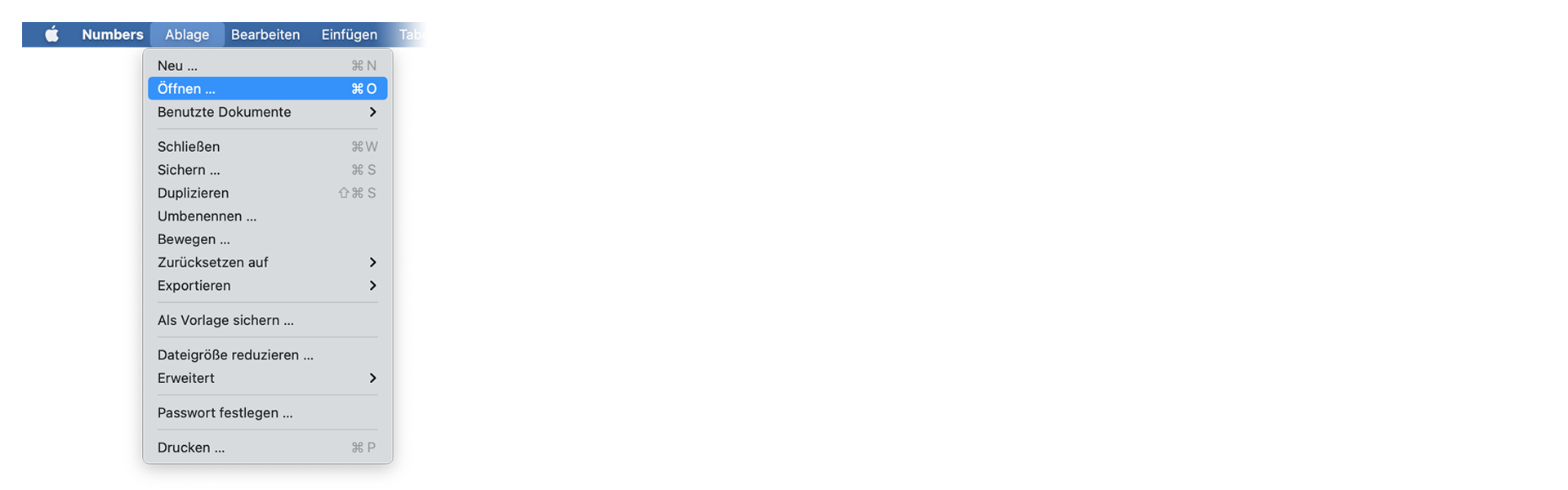
Open Numbers and go to "File -> Open". Simply open the CSV file.
🚀 Готово
На этом всё! Если туториал оказался полезным, поделись им, чтобы поддержать нас. Если у тебя есть предложения, как улучшить рабочий процесс, дай нам знать!