1. Use the "Конвертер маркеров" to convert a CSV file into a CSV file
Open the free Конвертер маркеров, select "CSV" and set "convert" to "CSV for Apple Numbers". Generate and download the file. Если возникли проблемы с конвертацией файла, обратись в бесплатную службу поддержки.
Ensure that the CSV file contains columns labelled "Timecode In", "Name" and "Comment". Otherwise, it will not work. You can also add columns for 'Colour' and 'Timecode Out'.
2. Import the CSV file into Numbers
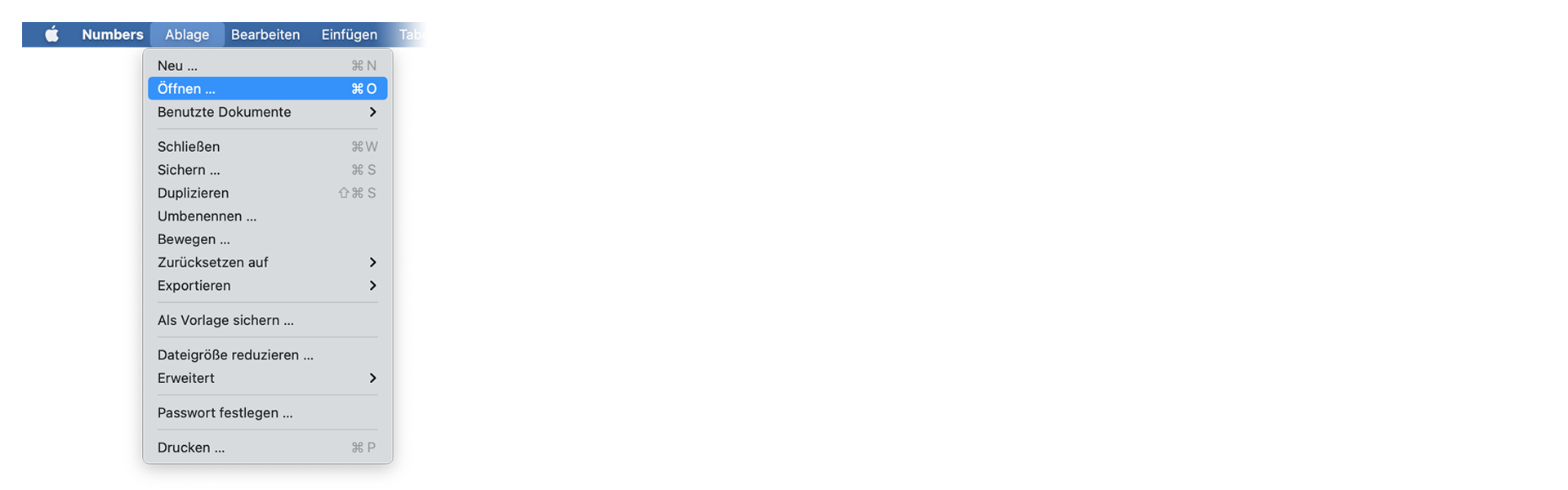
Open Numbers and go to "File -> Open". Simply open the CSV file.
🚀 Готово
На этом всё! Если туториал оказался полезным, поделись им, чтобы поддержать нас. Если у тебя есть предложения, как улучшить рабочий процесс, дай нам знать!